


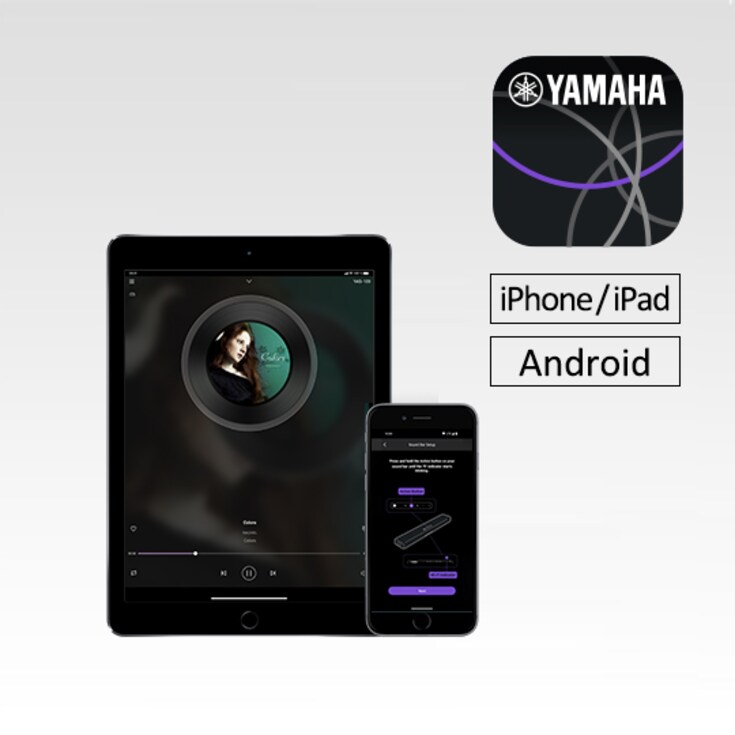
Mit der Sound Bar Controller-App können Sie ausgewählte Yamaha-Soundbars bequem über ein Smartphone oder Tablet bedienen.


Key Features
- Control functions for your sound bar such as volume up/down and input selection
- Volume control for True X wireless surround speakers and wireless subwoofer
- Initial setup of built-in Alexa voice control settings
- Play audio files stored on your phone or NAS drive through Wi-Fi
Functions
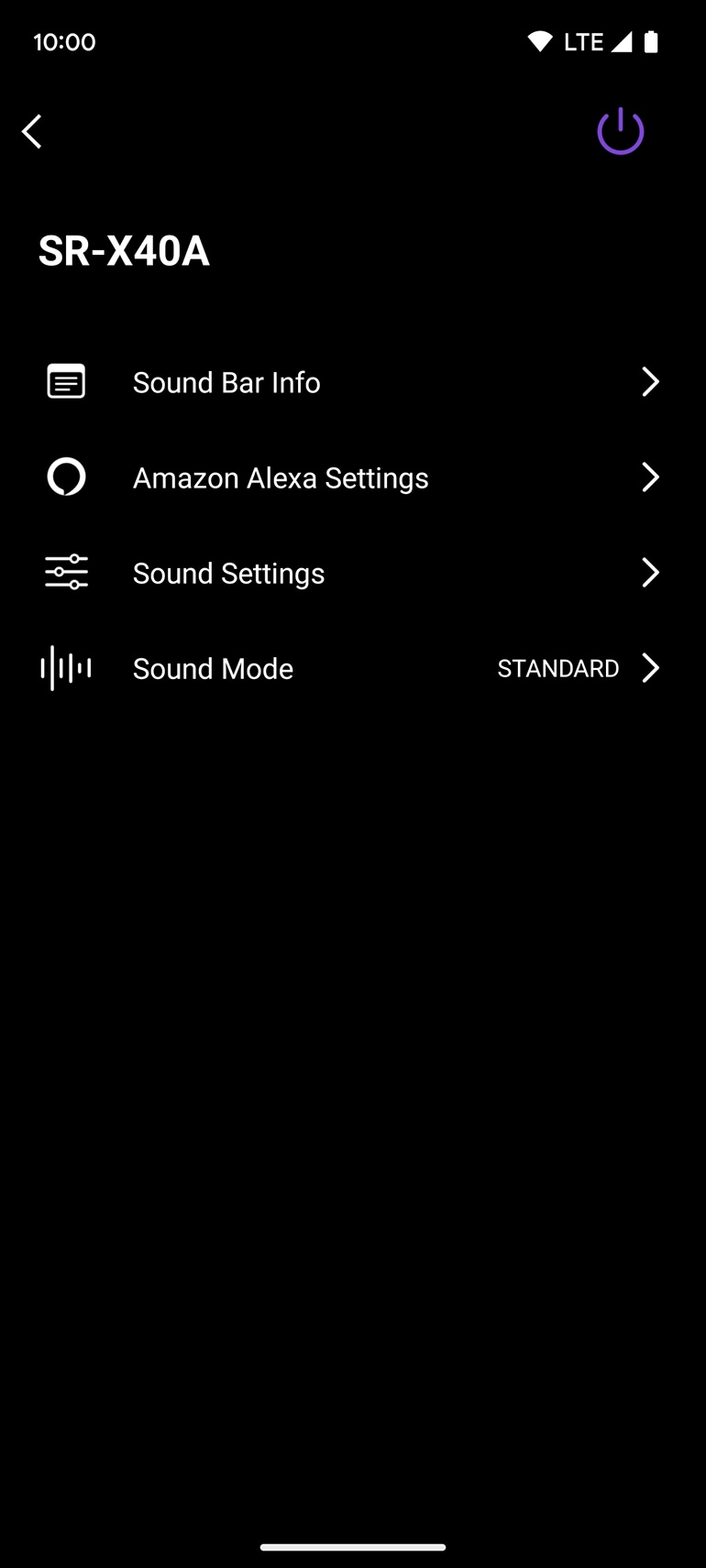
Input Select
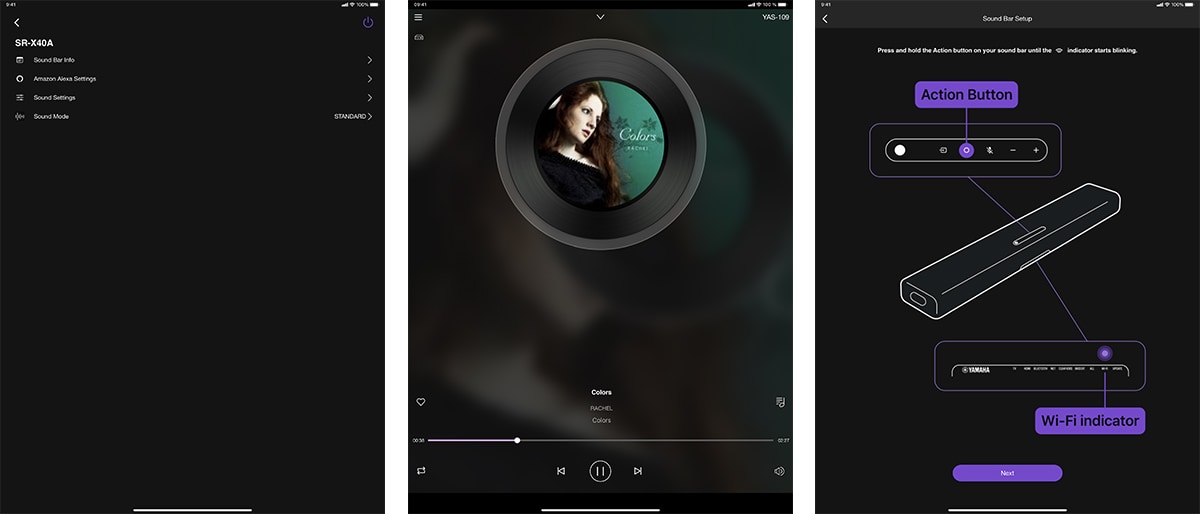
Just by touching a menu item, you can select the source unit or service you want to enjoy.
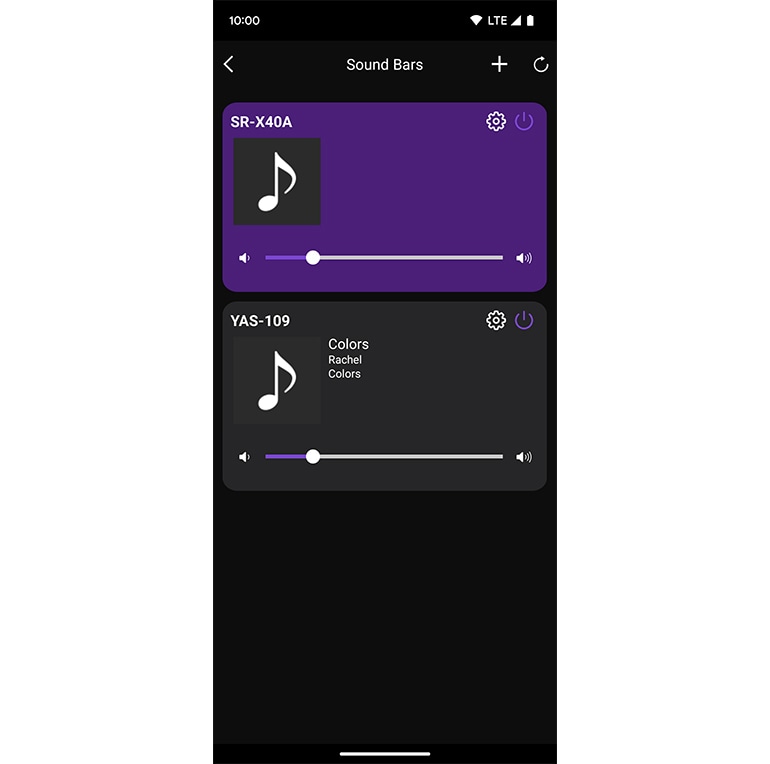
Music playing
Play audio files stored on your phone or NAS drive through Wi-Fi.
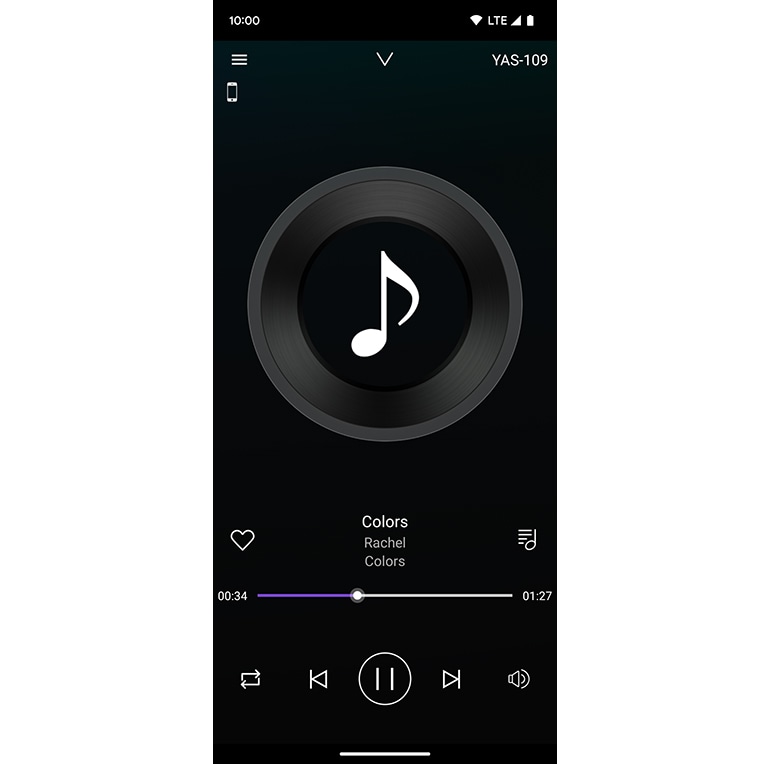
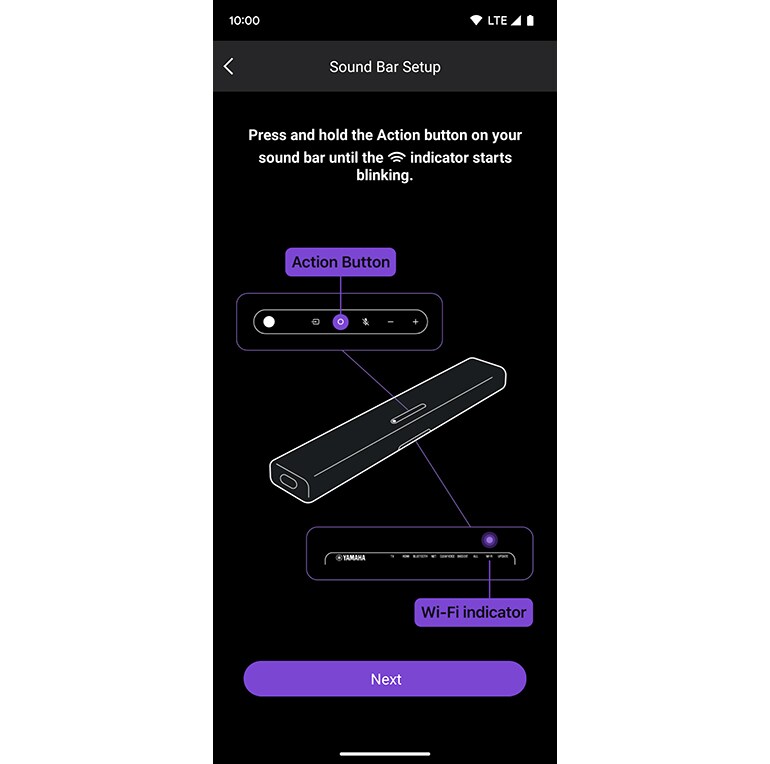
Sound bar set up
You can easily set up your soundbar by following onscreen instructions.
Operation Image (iPad)
Multi-Language Support
English, Japanese, German, French, Spanish, Italian, Portuguese, Simplified Chinese, Traditional Chinese, Korean, Dutch, Swedish, Danish, Finnish, Polish, Norwegian
Compatible Models
YAS-109, YAS-209, ATS-1090, ATS-2090,SR-X40A, SR-X50A
System Requirements
- iOS-Version 10 oder neuer
- Android-Version 7.1 oder neuer
- Ein drahtloses lokales Netzwerk (LAN) und ein oder mehrere kompatible Yamaha Netzwerkprodukte, die sich im selben LAN befinden.
Privacy Policy
* This application will never collect nor externally transfer personal data stored in your smartphone / tablet.
* Die technischen Daten können ohne vorherige Ankündigung geändert werden. Die abgebildeten Farben und Oberflächen können von den tatsächlichen Produkten abweichen.
